Office Equipment

How to Print From a Chromebook (Step-By-Step Instructions) 

Submitted by Karla Metzler on

One of the most common laptops for modern-day consumers is the Google Chromebook due to its affordability and simplicity. 

Students and teachers acclaim Chromebooks for their basic functionality, especially in the educational environment. These computers also function as a personal laptop for work or entertainment.     

As a long-time local print vendor, we monitor printing trends and the technology consumers use to print, scan, and copy their documents. 

Since Chromebooks have become a popular option for consumers, we wanted to dive in and answer the most pressing questions surrounding Chromebooks and printing.  

Can you print from a Chromebook? If so, how do you do it? Is it safe to do so?    

In this blog, we will use our industry insight to answer these questions and provide the information you need to start printing from a Chromebook in no time.  
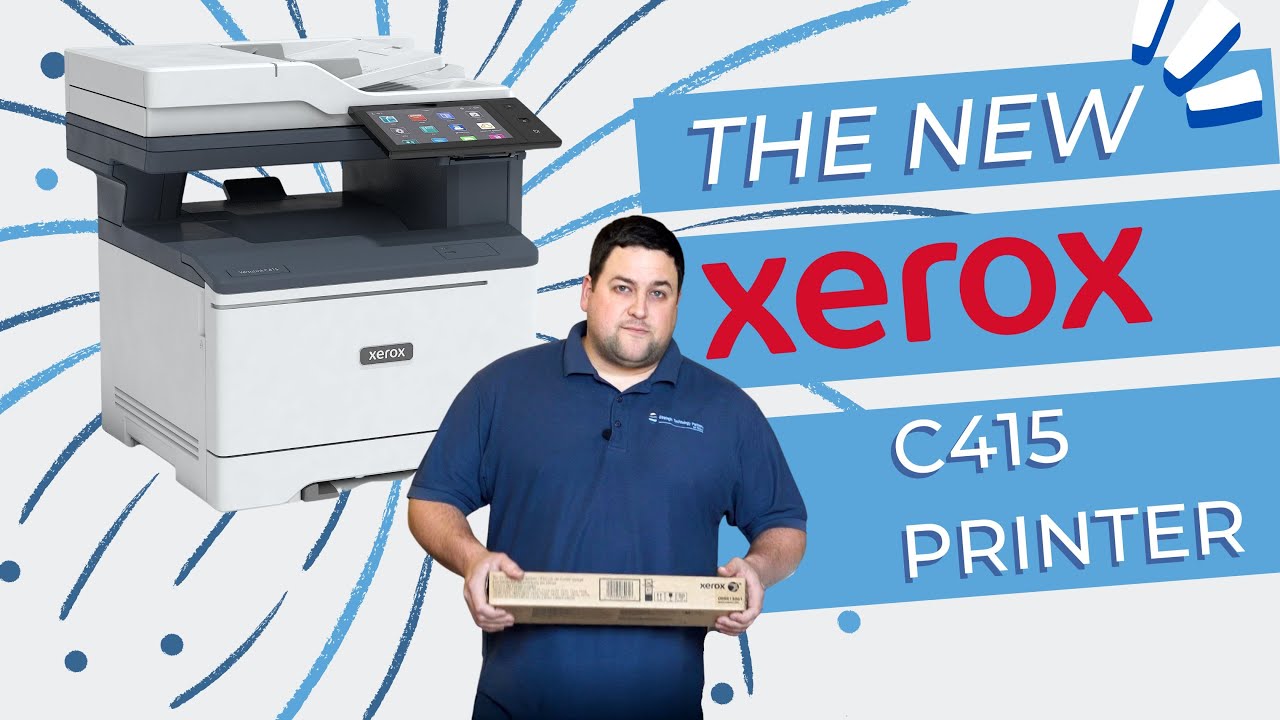
How to Replace Document Feed Rollers on a Xerox Versalink C410/C415 Printer

Submitted by Matthew Eberhart on
Video


Is your printer struggling to grab paper properly? Do you find yourself dealing with constant paper jams and misfeeds? These frustrations can often be traced back to worn-out document feed rollers. But fear not—today, we are diving deep into the world of printer maintenance with a focus on replacing those crucial document feed rollers in your Xerox C410 & C415 printer.

5 Managed Print Services Providers in DFW (2024) 

Submitted by Nolan Fowler on

 Managed print services offer many benefits to businesses, but where do you find a quality managed print provider? 

If you’re in the Dallas-Fort Worth area, there are a lot of options to choose from, and it can be difficult to narrow down the provider you want to use.  

As a local print vendor that also offers managed print services to consumers, it’s our job to keep track of the competition and note the companies you have to choose from while searching for a provider to implement managed print into your business. 

So, in that vein, we will be highlighting five different companies in the Metroplex that have a history of success in the managed print services field.  

These companies are listed in no particular order, and we can’t guarantee that they are the best in the DFW area. To maintain neutrality, we will also be exempting ourselves from this list. 

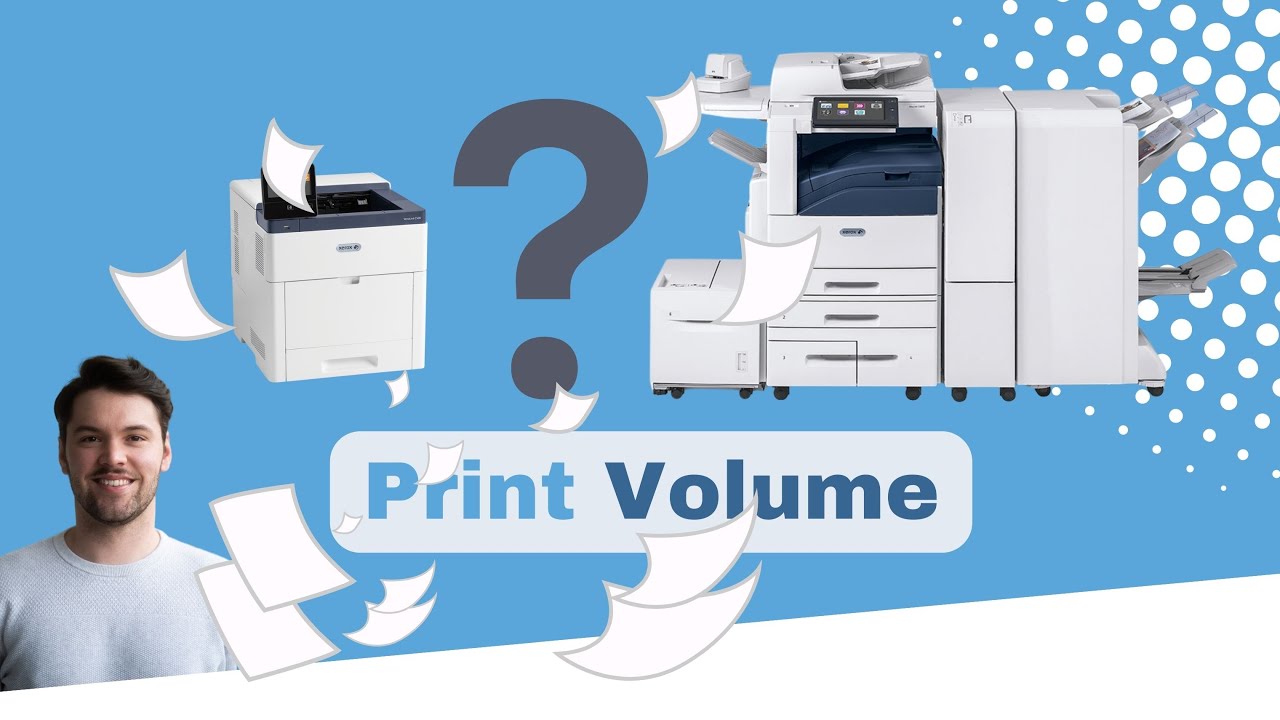
​Why Is Print Volume Important for a Printer? (How to Check It) 

Submitted by Magye Swenson on
Video


Print volume is one of the most important factors to consider when shopping for a new printer, but why? What does it even mean?

One cannot overstate the significance of print volume. Besides cost, it is arguably the most crucial factor in deciding which printer/copier to purchase.   

As a local print vendor that has helped businesses of all kinds find their ideal machine, we've learned all too well the consequences of ignoring print volume when purchasing a printer. We don't want you to have to deal with them.

Neglecting to track how much you print or copy each month can cause you to overuse a machine past its capacity. Overusing a machine can lead to increased service issues and a complete breakdown

Step-by-Step Guide: Replacing Toner in the Xerox VersaLink C410/C415

Submitted by Matthew Eberhart on
Video


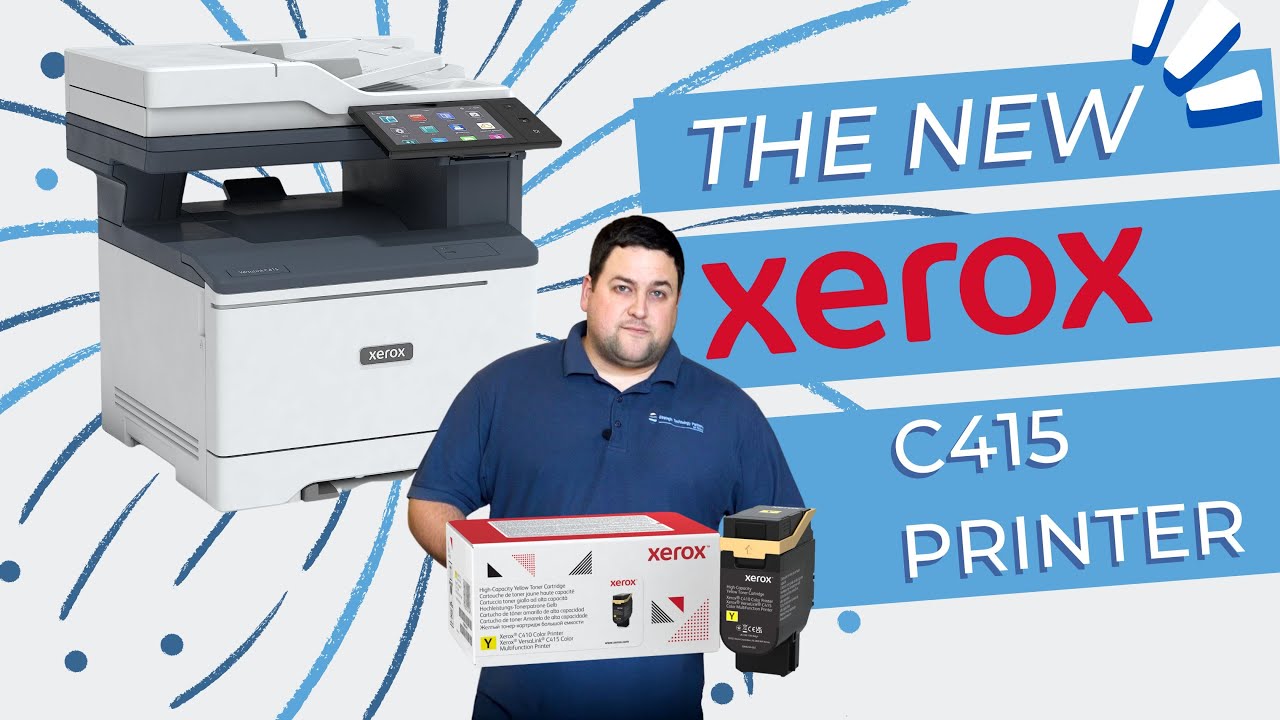
When it comes to printer supplies, one unsung hero deserves our attention: toner. It’s the magical powder that transforms digital data into crisp text and vivid images on paper. But when your toner is running low, your printer will not hesitate to sound the alarm.

Picture this: you’re racing against time to finish that important print job, only to realize that your toner needs replacing. Sound familiar? You’re not alone.

But fear not—Strategic Technology Partners of Texas (STPT) is here to guide you through this essential process. With years of experience servicing printers, STPT has encountered and resolved toner-related issues countless times, ensuring optimal printer performance for its clients.

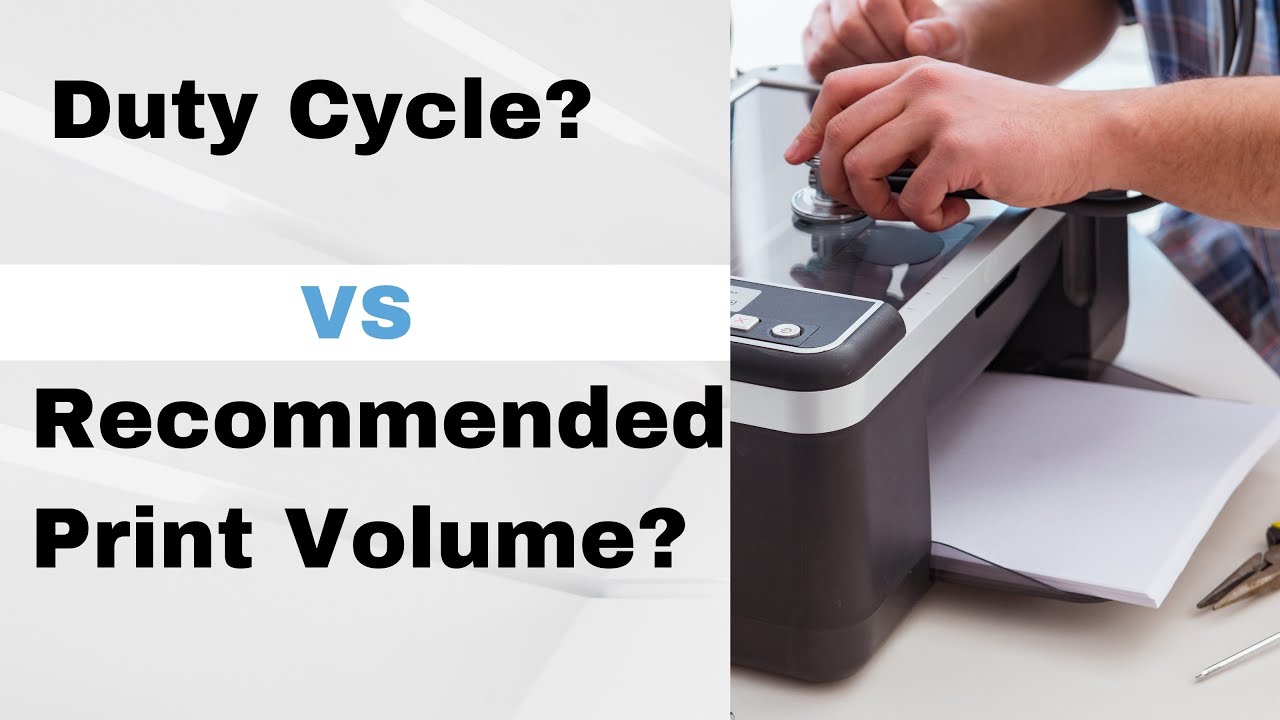
Duty Cycle vs. Recommended Print Volume: What’s the Difference? 

Submitted by Karla Metzler on
Video


Arguably, no metric is more important to know before purchasing a printer than how much it can print or copy in a month.

When researching a machine's specifications, you'll likely see two categories involving the volume of prints a printer can make: the monthly duty cycle and the recommended monthly print volume. 

There is a major difference between both metrics of printer performance, and not knowing it could have costly consequences. 

As a local print vendor for over 35 years, we've seen how negligent printing and copying can damage printers and lead to costly repairs that hurt the bank.

To help you avoid the scenario above, we'll discuss the differences between a printer's duty cycle and its recommended monthly print volume. We'll explain which metric you should follow, the consequences if you don't, and how to determine your monthly volume.

Let's start with the basics: What is a printer's duty cycle? 

How to Replace the Waste Toner Bottle on the Xerox C410/C415

Submitted by Matthew Eberhart on
Video


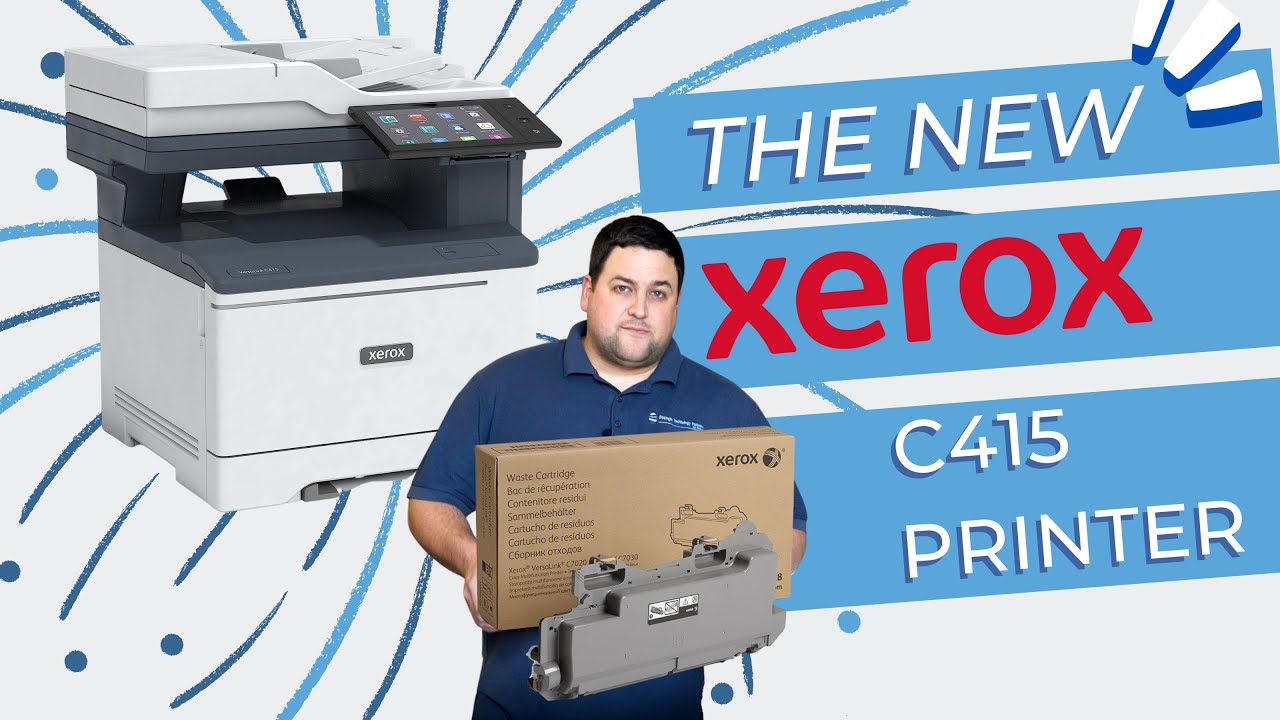
Do you ever feel frustrated when your printer suddenly stops working, only to discover it's a simple maintenance issue like replacing the waste toner bottle? If you've been there, you're not alone. In today's digital age, printers are indispensable tools that require regular care to function optimally.

A waste toner bottle plays a vital role in your printer's functionality. As your printer produces documents, it generates toner waste, which needs a dedicated container for disposal. Over time, this container fills up, affecting print quality and potentially causing internal damage if not replaced promptly.

Signs that your waste toner bottle needs replacing include faded prints, streaks on paper, or error messages indicating a full waste toner container.

5 Signs Your Computer Is Dying (Solutions)

Submitted by Liz Adair on


Computers are an essential part of printing and work.


For the last forty years, computers and printers have been two key office fixtures that people depend on for vital data exchange.

At STPT, our expertise is in printers and Xerox office equipment. But, our time in the business has also taught us a thing or two about computers and their maintenance. Printers connect to your computer's network, so our STPT printer experts must have advanced computer technology knowledge to ensure your printer stays running.

However, all technology is prone to error and requires constant maintenance to continue functioning at a high level.

If you don't put the effort in now to keep your computer running smoothly, then you'll likely have to pay for that lack of effort later with steep replacement costs and extra maintenance fees.

5 Signs Your Computer Is Dying (Solutions)

Submitted by Liz Adair on


Computers are an essential part of printing and work.

For the last forty years, computers and printers have been two key office fixtures that people depend on for vital data exchange.

At STPT, our expertise is in printers and Xerox office equipment. But, our time in the business has also taught us a thing or two about computers and their maintenance. Printers connect to your computer's network, so our STPT printer experts must have advanced computer technology knowledge to ensure your printer stays running.

However, all technology is prone to error and requires constant maintenance to continue functioning at a high level.

If you don't put the effort in now to keep your computer running smoothly, then you'll likely have to pay for that lack of effort later with steep replacement costs and extra maintenance fees.

5 Signs Your Computer Is Dying (Solutions)

Submitted by Liz Adair on


Computers are an essential part of printing and work.

For the last forty years, computers and printers have been two key office fixtures that people depend on for vital data exchange.

At STPT, our expertise is in printers and Xerox office equipment. But, our time in the business has also taught us a thing or two about computers and their maintenance. Printers connect to your computer's network, so our STPT printer experts must have advanced computer technology knowledge to ensure your printer stays running.

However, all technology is prone to error and requires constant maintenance to continue functioning at a high level.

If you don't put the effort in now to keep your computer running smoothly, then you'll likely have to pay for that lack of effort later with steep replacement costs and extra maintenance fees.

Subscribe to Office Equipment