Printer Fleet Management

How to Optimize Your Copier/Printer Fleet for Larger Businesses
Submitted by Mary Shamburger on

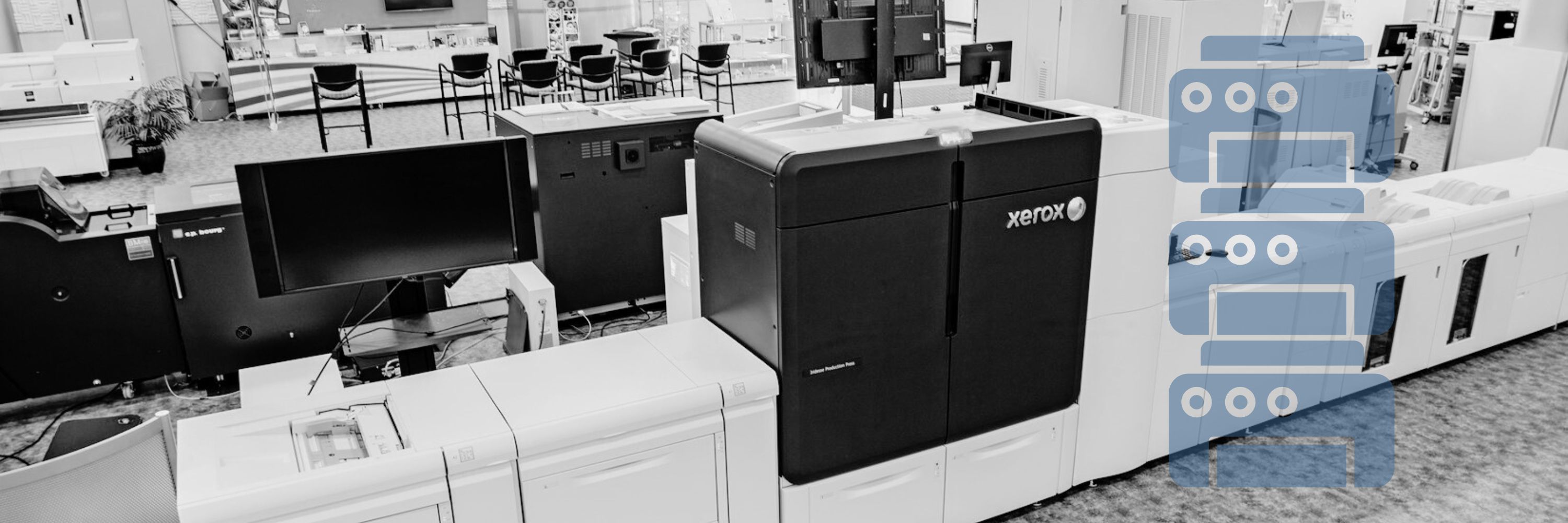
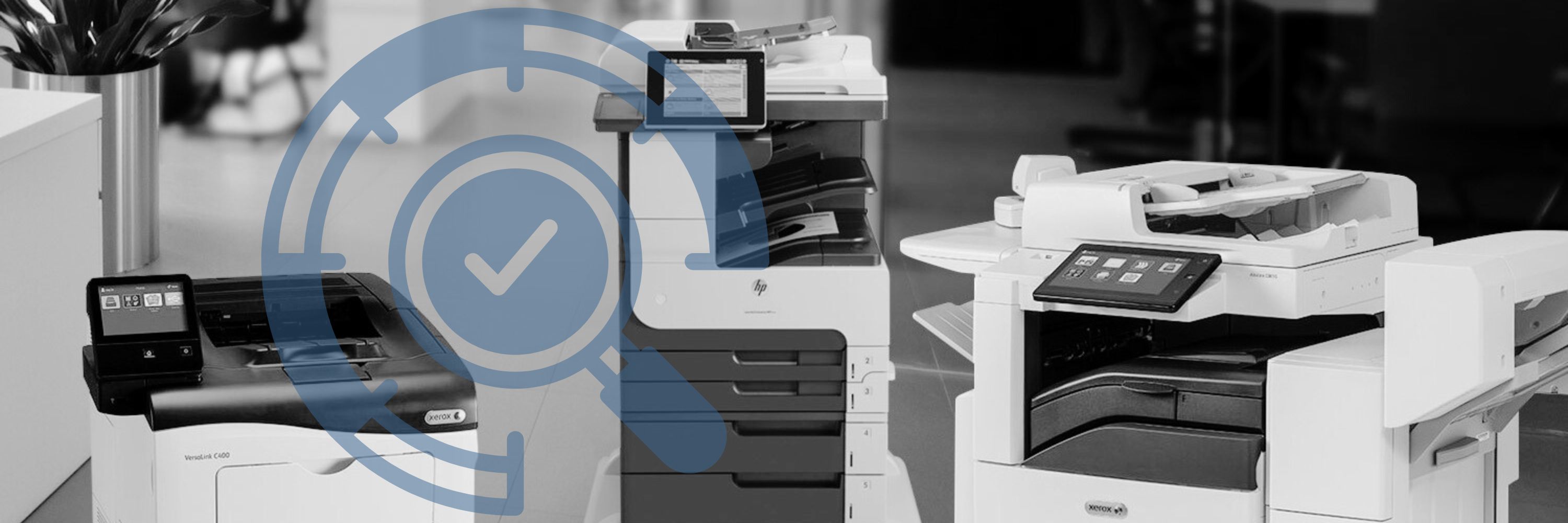
Having a large business or workforce can be a pain when it comes to managing several printing devices across a large area.  Most people are unsure of the best way to optimize their fleet so that all their devices can work together cohesively, saving them time and money. We here at Strategic Technology Partners of Texas, as an authorized Xerox partner, have a lot of knowledge when it comes to organizing and managing a large printer fleet, that we know will ensure maximum efficiency for you and your organization. 

What is a Large Copier/Printer Fleet?

A large copier/printer fleet is described as any fleet containing more than 15 machines. Copier/Printer fleets can span across a large building, or several buildings in a large area.  

How Do I Optimize My Fleet for My Business?

In order to optimize your fleet, you first need to consider the following things: 
Printer Security: Xerox's Approach, and Why it Matters

Submitted by Karla Metzler on

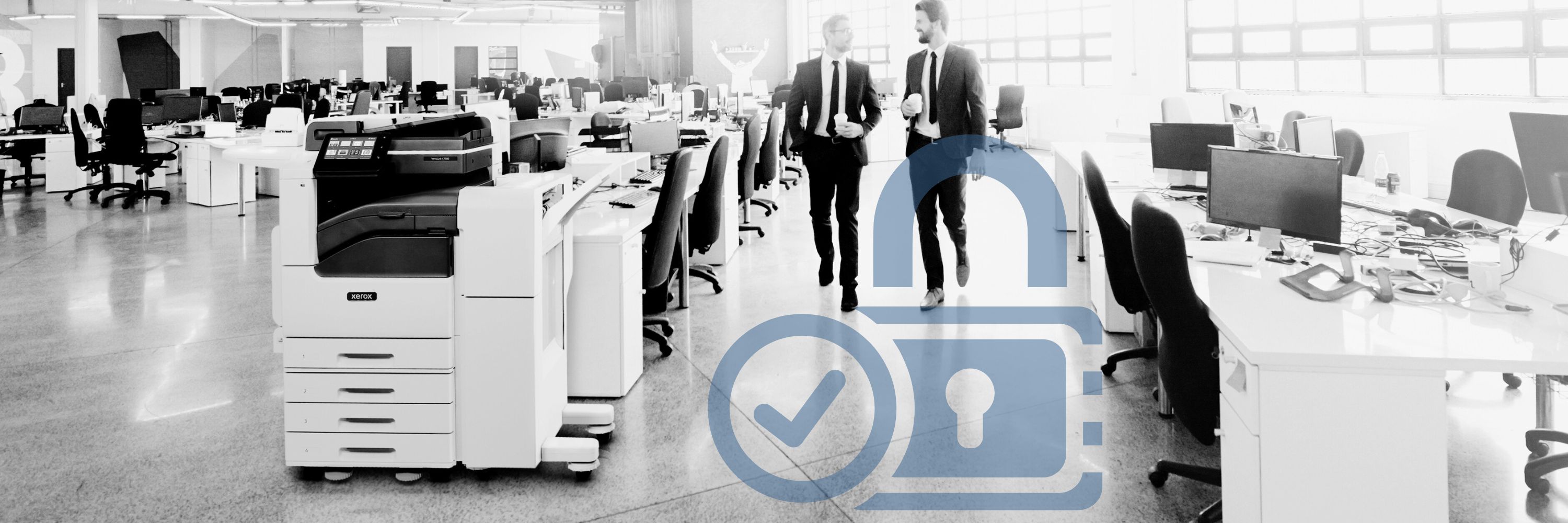
Have you ever thought about all the different ways you’re exposing your company to cybercrime or data hacks? Did you think that these could occur through your copier/printer? 

No one can understate the importance of security in times like these, and especially with many employees still working from home. That’s why we, as experienced Xerox copier/printer vendors, have compiled this blog showcasing the many different ways that Xerox leads the industry in printer security, and why you can have peace of mind when printing to a Xerox device.  

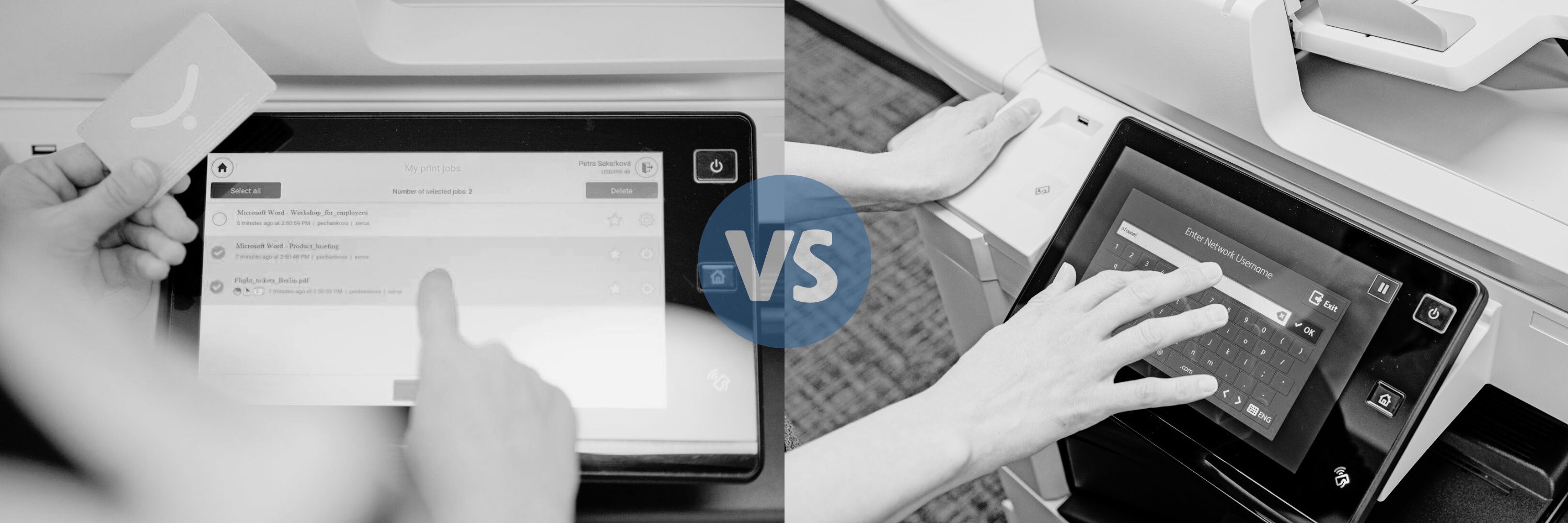
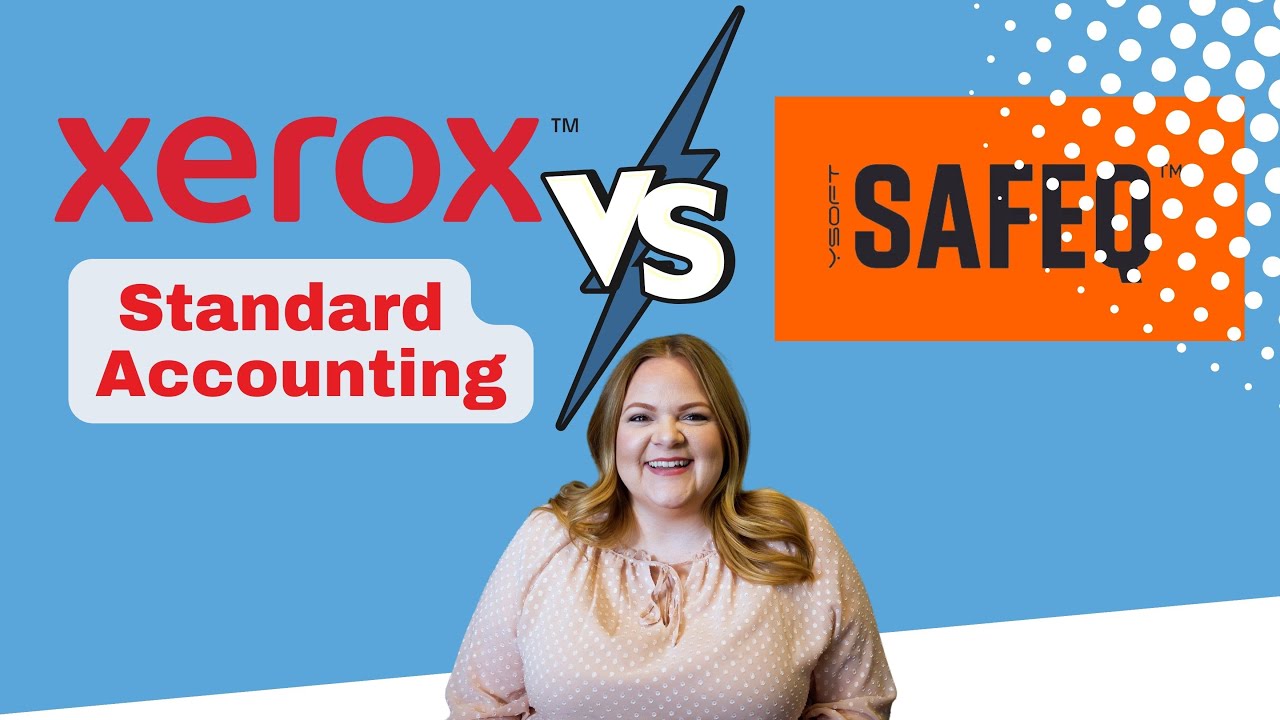
Y-Soft SafeQ Print Management vs. Xerox Standard Accounting

Submitted by Karla Metzler on

These days, businesses are always looking for different ways to cut costs and maximize their office productivity. With so many different options out there, it’s important to understand the ins and outs of each one and to decide which is better suited for your needs. Y-Soft SafeQ  Print Management Suite and Xerox Standard Accounting are two great options, but they each have their own key points worth highlighting.  

Xerox Color Tracking or Y-Soft SafeQ Print Management- What's Right for You?

Submitted by Karla Metzler on
Video

Wanting to save money is one thing that a lot of us have in common. If you’ve noticed that your company has been spending quite a bit on color impressions, and you’re looking through the different methods available to you for tracking and controlling your color usage, then Xerox Color Tracking and Y-Soft SafeQ Print Management are probably some features you’ll be interested in.

Here we’ll break down the key features of each one, list the pros and cons, and help you decide which might be better suited for your company’s needs.  

Xerox Color Tracking

Xerox Color Tracking is one part of a standard feature referred to as Xerox Standard Accounting, that is automatically included when purchasing a Xerox device. It offers several ways for users to track or limit the use of color on their Xerox machines.  

5 Signs You Are an Ideal Customer for STPT

Submitted by Karla Metzler on


On your journey to finding a copier vendor to partner with, we would like to help you by determining if you are an ideal customer for us. 

We believe determining if you are an ideal customer will ensure you have a seamless buying process and feel satisfied that we will care for you post-purchase. After all, this is a relationship you could be in for several years. 

If you purchase from a vendor that isn’t a good fit, you’re going to have a strained relationship with the company.   

If you and your vendor are on two different levels in terms of price point, features/tools, and other factors that influence your decision, it’s going to lead to a strained buying process.   

Say you push through the strained buying process and sign a contract with them. If you aren’t a good match, prepare for a year (or however long your contract is) of painful conversation and frustrating exchanges.   

Are We an Ideal Fit To Switch From a Retail Copier to a Commercial Copier?

Submitted by Karla Metzler on

While researching and evaluating all the places you can purchase a copier/printer, you happened to stumble upon us, Strategic Technology Partners of Texas (STPT). 

You might have an idea of what products/services we offer at this point, but are we the right fit for your copier needs? 

While we do believe we can solve most customer’s printing problems, not every customer will be the best fit for us.  

After investigation, we discovered our current customers had five stress points in common when they first migrated to our company. These five stress points are what we solve best, creating the perfect customer-vendor relationship.  

What Is the Xerox Fleet Orchestrator?

Submitted by Mary Shamburger on

Between technical support, computer management, monitoring servers, and more, the IT department has its hands full. 

Often, the IT department spends hours updating and making changes to the company’s fleet of multifunction printers.  

Constant upgrades or help desk requests can take up a huge chunk of the department’s time.  

Companies who find themselves annoyed by tedious copier tasks would benefit from software that allows for configurations to take place in one centralized location, like the Xerox Fleet Orchestrator. 

What is the Xerox Fleet Orchestrator? 

The Fleet Orchestrator is a software that allows for automatic changes to be deployed across an entire copier fleet, from one location. 

What is Y Soft SafeQ Print Management Suite?

Submitted by Karla Metzler on

If you’ve ever wondered how much your business is spending on printing per year, research tells us the number can be as big as 3% of your annual revenue. Printing expenses can often climb for several reasons, like overprinting or documents being read as a color print because of a small bit of color. 

With an average of 10,000 pages being printed each year, your company needs a way to track and analyze your usage, so you don’t end up overpaying for your printing consumption.  

4 Different Types of Printer Toners & How to Choose

Submitted by Karla Metzler on

Many people are not aware or educated on the different types of toners available for copiers/printers and this often leads them to purchase the cheapest toner available. 

Buying the cheapest toner possible often results in problems such as poor print quality or spilled ink. Ink spillage, and other issues caused by cheap toner, can cause damage to the machine, which is a costly repair.  

Cheaper toner often uses banned or hazardous materials such as plastic to cut costs. These toxins can cause problems for the machine and the users. 

To prevent copier/printer owners from making this mistake, this article breaks down the four different types of toners and which one is best for your home or business printing needs.  


Subscribe to Printer Fleet Management