Printer Fleet Management

What Is XMPie and How Can It Benefit Your Business? 

Submitted by Karla Metzler on

XMPie, a partner of Xerox, is one of the leading providers of cross-media, variable data one-to-one marketing.  

But what exactly can it do for your business? Who would be a fit for the technology? How much does it cost? 

As a Xerox Platinum Solutions Partner, we will use our expertise in their products to honestly and thoroughly answer your main questions about XMPie. 

The software can be helpful for some businesses, but it does cost money, which means you need to know what you’re getting into before deciding whether to purchase or not. 

In this article, we’ll be discussing what XMPie is, its different solutions and features, benefits, who would be a fit and the cost of the software. After reading this, you should feel confident in deciding whether XMPie is worth the investment or not.  
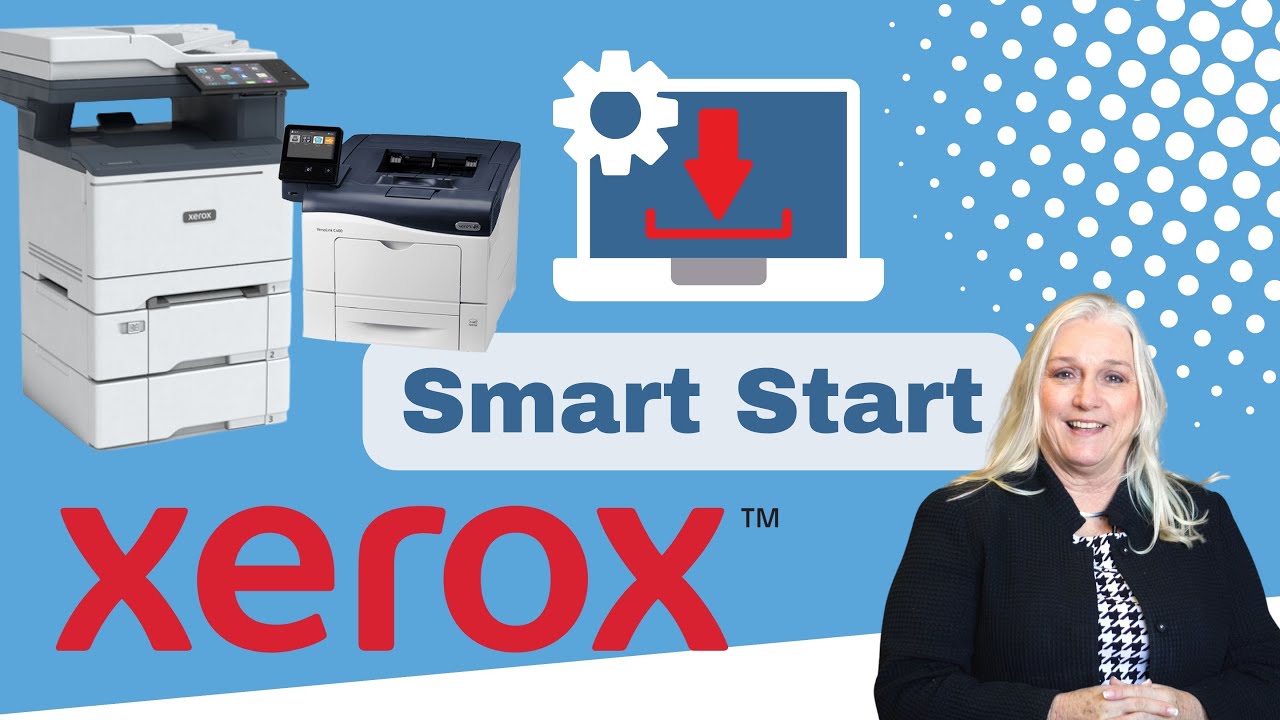
What Is Xerox Smart Start and How Do You Install It? 

Submitted by Karla Metzler on
Video

Xerox has a software solution, called Xerox Smart Start, that could be your answer if you’re looking to download a printer driver to complete tasks, like printing and scanning, on your printer. 

However, it can be a bit complicated, at least at first, to install. You also might not be fully aware of what Xerox Smart Start is and how it works. 

We’re here to help. As a Xerox Platinum Solutions Partner, we are equipped with the knowledge to help you learn everything you need to know about Xerox Smart Start. 

We’ll start by going over what the software is, who it’s for, how it works, steps to install it and which printers are compatible with it.   

What Is Xerox Smart Start? 

According to Xerox, Xerox Smart Start “is an end user installer designed to get users printing and scanning with Xerox printers as quickly as possible.” 

Print Management Software: Y-Soft vs. PaperCut 

Submitted by Karla Metzler on

Print management software can be helpful to a lot of companies that want to cut back on their printing expenses. 

Many providers offer print management software, and two of the more prominent ones are Y-Soft and PaperCut.  

Which one should you use? What are the similarities and differences between the two? 

We’ve been a printer/copier company for almost 40 years and have dealt extensively with both Y-Soft and PaperCut and want to use that insight to provide a comparison between the two so you can see which one might be right for you. 

Getting the right print management software is crucial because, to reap the benefits of print management, you have to find the one that would be the best fit for your print environment. 

How To Calculate Your Monthly Print Volume 

Submitted by Karla Metzler on

What is the most important thing to consider when buying a new printer/copier? 

It actually has nothing to do with the look of the machine, the feel of it or how fast it prints. The answer lies in how much it can safely print per month, or its recommended monthly print volume.  

The recommended monthly print volume of a machine is the essential indicator you need to pay close attention to before buying a new office machine. 

But the question becomes: How do you figure out your current, or estimated, monthly print volume so that you can buy a machine that can rightly accommodate it? 

That question is what we will use our almost 40 years of expertise to answer today because it is perhaps the most significant question to answer before purchasing a printer. 

​What Is a Printer/Copier’s Duty Cycle? 

Submitted by Mary Shamburger on

If you’ve ever looked at a printer/copier online, you’re likely familiar with the term “duty cycle.” 

But what does a machine’s duty cycle mean and why is it important? 

These are the types of questions we will use our almost 40 years of industry expertise as a print vendor to answer today because duty cycle is one of the key indicators you need to pay attention to before purchasing a new office machine.  

If you forego a printer’s monthly duty cycle and just buy whichever machine you can find easily, you may be subjecting yourself to more service issues down the road---something we will cover later on in this blog.  

Before getting into all of that, let’s first begin with the basics: What does duty cycle mean when it comes to printers/copiers? 

Buying a Copier/Printer? Top 6 Things to Consider

Submitted by Mary Shamburger on
Video

Did you know that some printers/copiers can range from $1,000-$100,000? 

That makes it all the more significant that you get the right office machine in place for your company the first time around. Because wasting money on an insufficient machine can be significantly costly and frustrating.  

The number one thing you can do to make sure you get the right printer in place for your company is to educate yourself on all you need to consider before purchasing a new machine. 

We’ve accumulated a vast amount of knowledge during our almost 40 years in the printer/copier industry, and thus, have become intimately familiar with all that goes into finding the perfect printer. 

There’s a lot you need to consider, and we’re going to go over the six most important factors that go into buying an office machine.  

Everything You Need to Know About the Xerox Device Agent

Submitted by Matthew Eberhart on
Video

If you’ve purchased, or plan to purchase, a Xerox machine and want to include managed print services, then you will need to become familiar with the Xerox Device Agent (XDA). 

The XDA is essential to understand if you want to enable services like automatic shipments of supplies, such as toner or ink cartridges, and receive detailed reports on usage levels. 

But what exactly is the XDA? And how do you install it on your network and add your devices to it?  

As a platinum status partner of Xerox, we have become expertly familiar with the application and want to share our insight with you so that you’re not left wondering what it is and how to use it if it applies to you. 

We also will answer two of the most common questions around the XDA to further increase your chances of avoiding an issue with the application. 

Why Is Keeping Your Printers Online Important?

Submitted by Karla Metzler on
Video

The workplace has become more technologically advanced with time, which has increased the efficiency of office technology in automating tasks that would customarily be completed manually.  

But there is a mechanism that print providers use to execute tasks like automatically shipping your toner at the right time or ensuring you have the latest firmware update for your device.  

It involves having your printers online, or in this case, connected to a cloud server from your print provider. 

Putting your office machines on a server so that service and supplies can be conducted remotely is becoming a priority for providers, and that means some of them are now charging fees for not having your printers online. 

What does this mean for you and how can you avoid getting charged a fee for not having your devices online? 

Why Are Older Printers Security Threats and Should I Replace Them?  

Submitted by Karla Metzler on
Video

Office security is like a house, with its many potential points of intrusion.     

Although you may have ample security at the front door, you might unknowingly have left the back window open, which precipitated a break-in just when you thought you had all your bases covered.   

Your printer could be the back window that a hacker infiltrates, resulting in a network invasion that cripples business processes and potentially exposes sensitive data.     

This is even more of the case with printers over 5-10 years old, which we will discuss in this article.    

How Much Do Managed Print Services Cost? 

Submitted by Mary Shamburger on
Video

If you type in “managed print service cost” into your search engine, what do you see?    

Well, if you want the short answer, not a lot in terms of definitive numbers around what a managed print service (MPS) costs.  

Indeed, the cost of MPS depends on a wide variety of factors, and depending on which managed print provider you choose, the price range can fluctuate dramatically.     

As a local print vendor that offers managed print as a service, we understand the complexity that goes into calculating an accurate price range for MPS. That doesn’t mean we’re not going to do it, though.  

Just because the volatility is high with managed print prices doesn’t mean you should be left completely clueless when it comes to seeing actual numbers on what it costs to implement MPS in your workplace.    

Subscribe to Printer Fleet Management