Supplies & Maintenance

How To Get Your Printing Supplies Delivered on Time (STPT Customers) 
Submitted by Karla Metzler on
Video

It’s the start of 2023, and supply chain disruptions are still affecting businesses across the country. 

Our industry is not exempt; the shipment of printing supplies is still being delayed, which means the products you’re supposed to have delivered in a timely manner might be coming in later than usual.  

This means you need to be more attentive to the amount of supplies you have on hand. Relying solely on automatic shipments of toner, which is the only supply item that’s monitored for automatic shipment, will likely mean that you will be without your needed supplies as supply chains are still disrupted. 

Printing supplies are still taking up to 2-3 weeks to come in, when, during normal times, they would only take 3-5 days.  

But there’s something you can do about it right now to make sure that your supply shipments of toner are delivered on time. 
Everything You Need to Know About the Xerox Device Agent

Submitted by Matthew Eberhart on
Video

If you’ve purchased, or plan to purchase, a Xerox machine and want to include managed print services, then you will need to become familiar with the Xerox Device Agent (XDA). 

The XDA is essential to understand if you want to enable services like automatic shipments of supplies, such as toner or ink cartridges, and receive detailed reports on usage levels. 

But what exactly is the XDA? And how do you install it on your network and add your devices to it?  

As a platinum status partner of Xerox, we have become expertly familiar with the application and want to share our insight with you so that you’re not left wondering what it is and how to use it if it applies to you. 

We also will answer two of the most common questions around the XDA to further increase your chances of avoiding an issue with the application. 

Why Is Keeping Your Printers Online Important?

Submitted by Karla Metzler on
Video

The workplace has become more technologically advanced with time, which has increased the efficiency of office technology in automating tasks that would customarily be completed manually.  

But there is a mechanism that print providers use to execute tasks like automatically shipping your toner at the right time or ensuring you have the latest firmware update for your device.  

It involves having your printers online, or in this case, connected to a cloud server from your print provider. 

Putting your office machines on a server so that service and supplies can be conducted remotely is becoming a priority for providers, and that means some of them are now charging fees for not having your printers online. 

What does this mean for you and how can you avoid getting charged a fee for not having your devices online? 

Why Are Printer Space and Electrical Requirements Important?

Submitted by Keith Metzler on

There are many things to consider when purchasing a printer.  

Some are obvious, like print volume and cost, and some are more inconspicuous, like space and electrical requirements, which is what we will be covering today.    

As a long-time local print vendor, we’ve seen numerous cases of customers that purchased a printer and thought they had everything in order, only to realize on delivery day that the machine they bought doesn’t fit in their office or doesn’t have the correct electrical outlet.    

Space and electrical capacity are not issues that affect a lot of customers, but it’s one that can lead to multiple consequences, which makes them an essential factor to examine before purchasing a new machine.    

What You Should Expect in Your CEIG 

Submitted by Magye Swenson on
Video

There are a few notable documents that come with the purchase of a printer, and one of those will extensively lay out everything you need to know about your machine. 

It’s called the Customer Expectation and Installation Guide, and it is a crucial document to look over before delivery and installation day.     

What is the CEIG? Why is it important? Do I need to sign and send it back? 

These questions will be addressed in this blog, so you’re better informed on what role the CEIG plays in the pre-delivery process.     

It should be noted that in the case of this blog, CEIG applies specifically to Xerox machines, which we sell, and may not pertain to other models or brands of printers.    

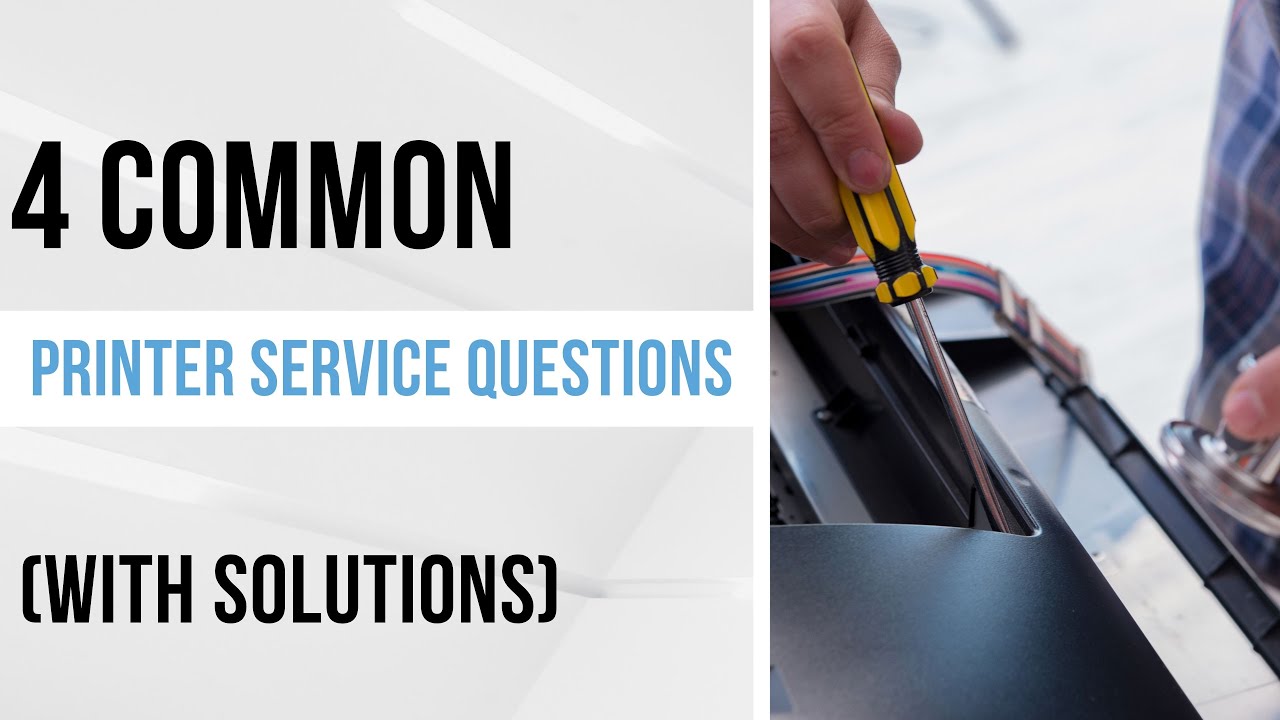
4 Common Printer Service Questions (Solutions)

Submitted by Joel Metzler on
Video

No matter what printer model you invest in, it’s almost inevitable that at some point you will have either a service issue or a service question that needs addressing. 

It can be something as simple as connecting your printer to WIFI, or something as significant as an intricate service issue.   

Because we’ve been a locally managed print vendor for over 35 years, we’ve seen just about everything when it comes to service issues and questions with printers. And for most of those issues, we’ve had the right answer to help address them. 

To share some of these answers, we’ve compiled four of the most common service questions we have received lately and provided answers to help inform you of the steps you can take if you’re dealing with any of these specific problems.  

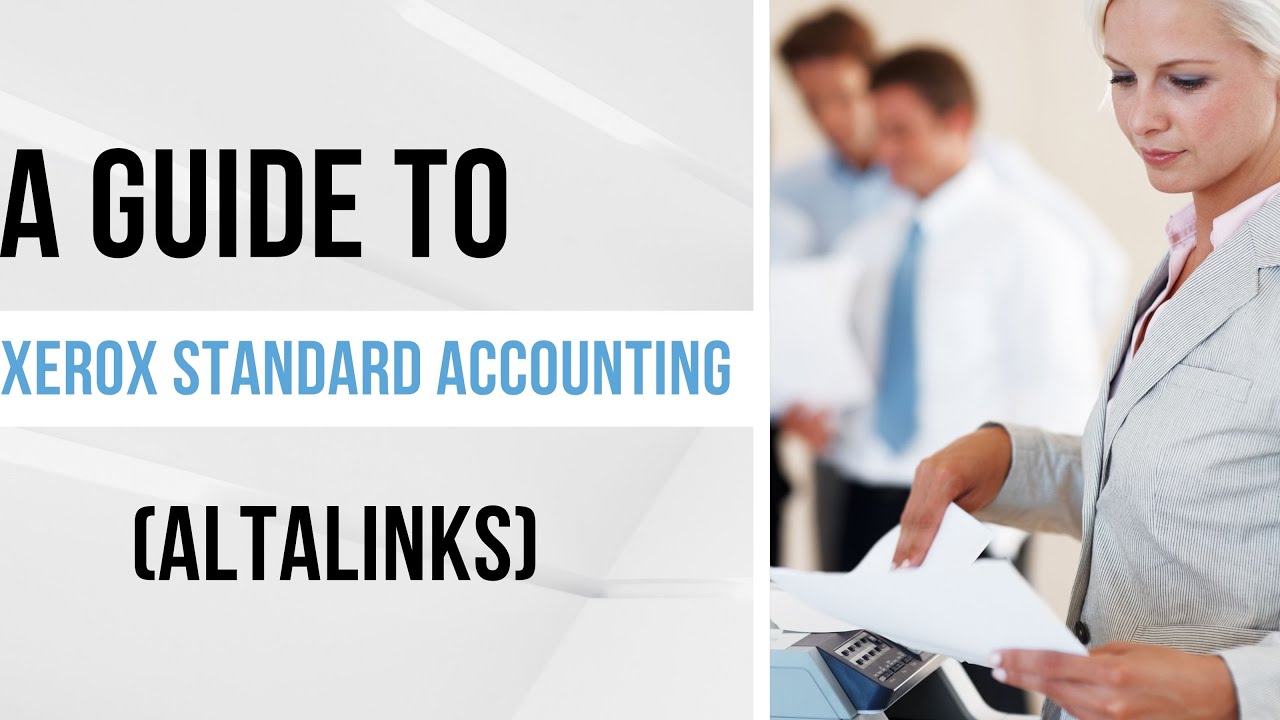
Xerox Standard Accounting: Pros, Cons and How to Set Up  

Submitted by Joel Metzler on
Video

Have you ever looked at your monthly bank statement and realized there were extra costs you didn’t account for? 

Believe it or not, printing can be an excessive expense for your business that may not be on your radar.  

That’s why a feature like Xerox Standard Accounting is important to have for businesses who want to track their costs to make sure it aligns with their budget, and they aren’t overspending on basic functions like printing and copying.  

As a locally managed print vendor, we’ve dealt with the issue of print management firsthand and can provide expert-driven insight into how to use this feature to help maintain an efficient workplace.  

Xerox Standard Accounting is exclusively for Xerox machines, and since we deal with their printers and supplies directly, we’ve gained an expert’s knowledge of the feature and will be discussing it specifically today.  

Xerox Standard Accounting: Setting Print Quota Parameters

Submitted by Joel Metzler on

When was the last time that you checked how much your organization was printing? Was it last month? Year? Maybe never? 

It’s pretty common for most businesses to overlook print costs, and focus on other, more pressing expenses. However, as a reputable print vendor we’ve seen organizations do just that, and then panic once they realize how much they’re actually printing. 

That’s why we typically recommend some form of managed print services. And for companies not looking to spend money on anything fancy, Xerox Standard Accounting is the perfect solution, because it allows you to create personalized user profiles, and then set parameters on how much those users are allowed to print.  


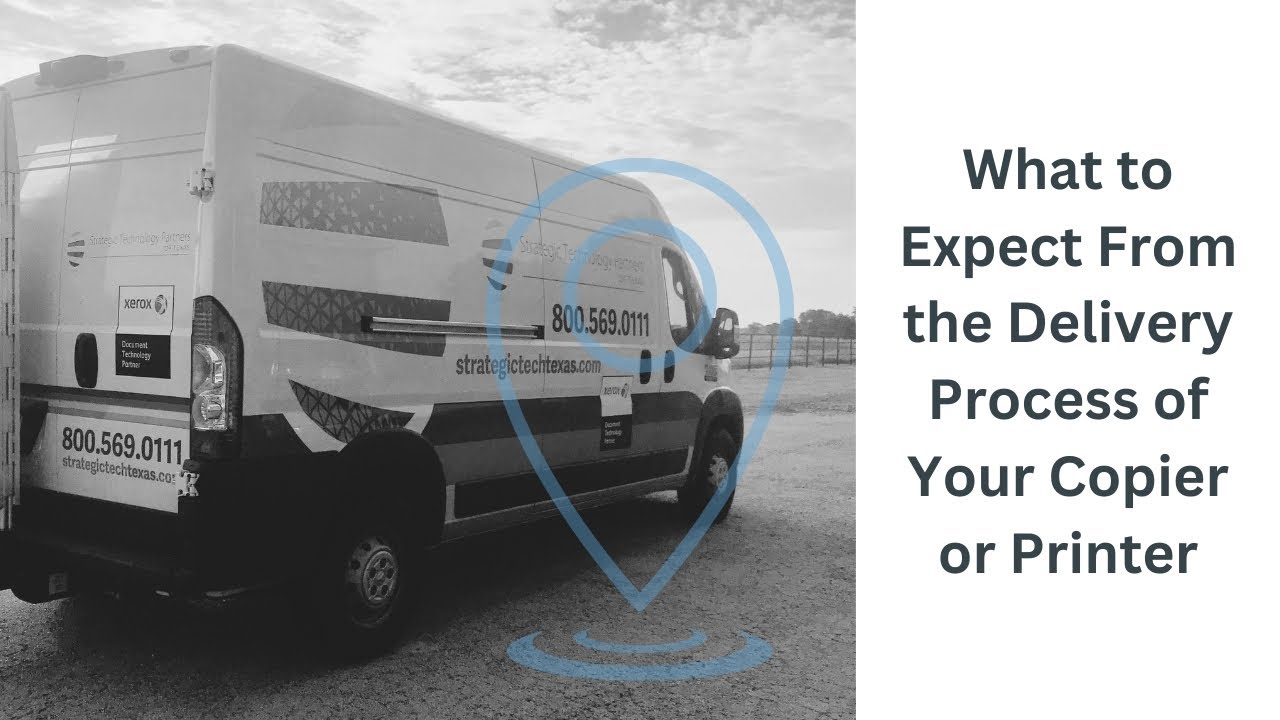
What to Expect From the Delivery Process of Your Copier or Printer

Submitted by Keith Metzler on
Video


Congratulations! 

If you’re reading this article, it’s likely that you’ve recently purchased a new copier or printer and are preparing for your installation date.  

You’ve chosen the machine that includes installation and setup, configured with all the accessories and features you want, you’ve signed all the paperwork, and now all that’s left is for a service technician to deliver and configure your device.  

If you’re new to this process, you might be feeling a bit confused or unsure of what to expect, especially if this is your first time having a printer installed for you.  

Now we’ve been selling printers for a long time (over 35 years to be exact), and we know what a smooth installation looks like.  

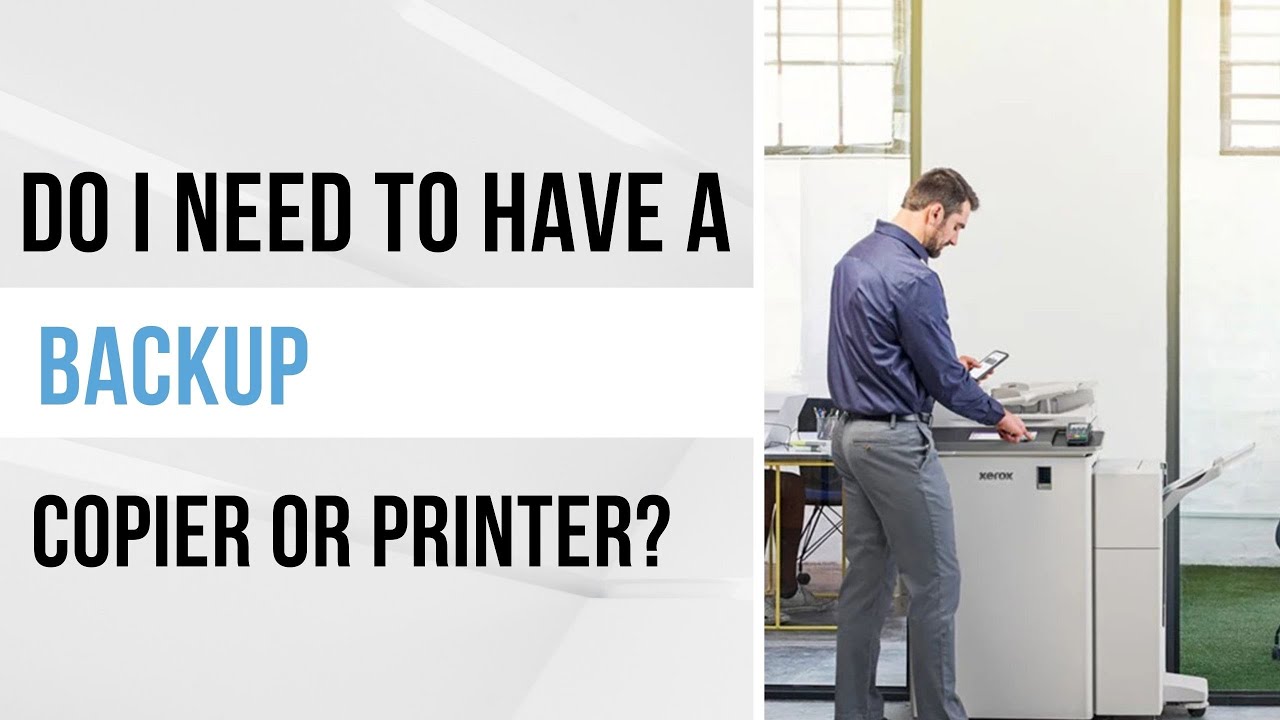
Do I Need to Have a Backup Copier or Printer?

Submitted by Karla Metzler on
Video

Picture this: It’s a busy day at the law firm you work at, everyone’s rushing around trying to get work done, while you’re standing at the printer, waiting for your court transcripts to finish printing.  

Suddenly, the printer goes down, and a warning sign flashes on the screen. All those documents you needed to be printed are gone, as well the contracts, manuals, NDAs, and other papers that your coworkers needed to print too. The whole office essentially comes to a halt, and no one really knows what to do.  

Now for some organizations, this could be just a minor inconvenience. But for others, this can really affect the workplace and make it incredibly difficult (if not impossible) to get work done. Luckily, there’s a pretty easy solution for a problem like this: a backup printer.  

Subscribe to Supplies & Maintenance