Office Equipment

4 Reasons Why You Should Have a Printer for Your Business (Even in the Digitized Age)

Submitted by Joel Barriga on

These days, it seems like the whole world has gone digitized. Instead of paper flyers put under our windshield wipers, we now have targeting ads on Instagram. Instead of paper menus at restaurants, you just simply need to scan a QR code with your cellphone.  

All of these technological advancements might make it seem like having a printer for your business is a thing of the past. Even though it may seem like the need for a printer is diminishing, it’s actually a crucial piece of equipment for any business, regardless of the industry or size.  

We’ve been in this business for over 30 years, which means that we’ve seen just about everything in regard to printing. We know where trends are heading, and what to expect in the future, and we know how much easier your office processes could be with the help of a multifunction printer. Here are the top four reasons why you should have a printer for your business.  
What is Color Tracking, and What are the Benefits?

Submitted by Joel Barriga on

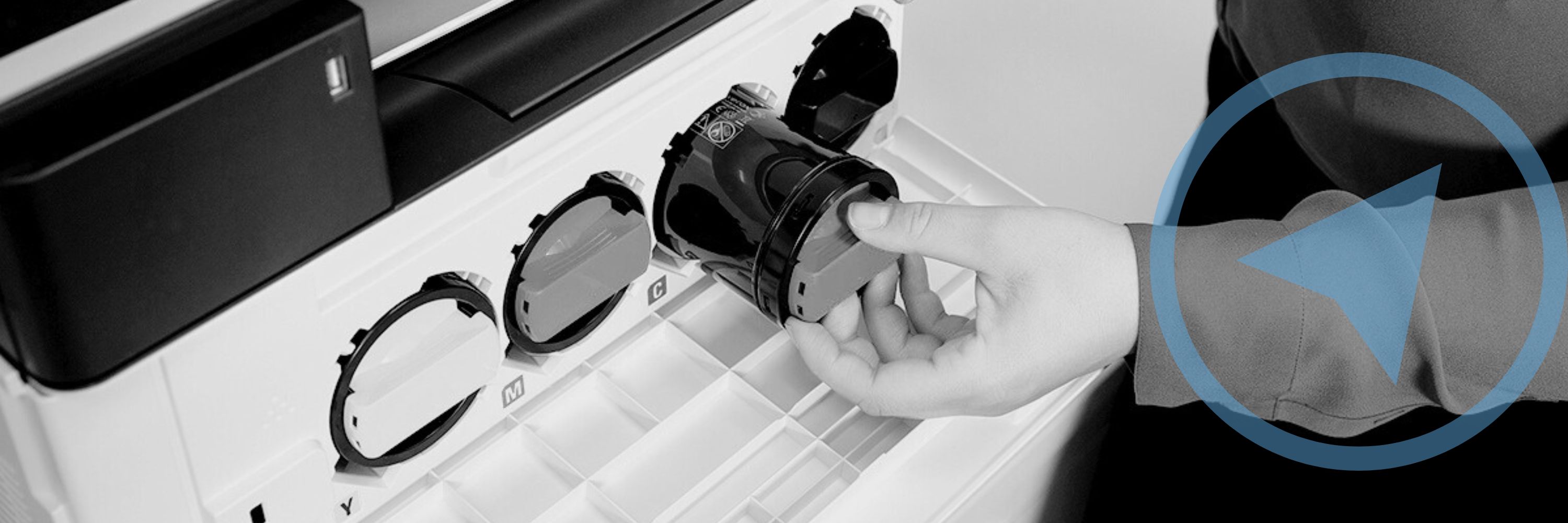
Do you know how much your organization is spending on color prints? When was the last time that you took a look at your printing records, or your invoices? 

Printing can become a big cost for businesses that aren’t keeping up with their print volume, and especially color printing. That’s why as an experienced print vendor we recommend all businesses to utilize some form of print management or color tracking.  

What is Color Tracking? 

Color tracking refers to the process of regulating color prints and controlling the costs by using a form of print management

This feature allows users to view and manage who within their organization can print, color or black and white, how much they can print, and even when they can print. They can then set limits and conditions to control printing costs.  

Two Important Documents to Look Over Before Your Installation

Submitted by Joel Barriga on
Video

Congratulations on your new machine! 

If you’ve recently purchased a new device, then it’s likely that you’re preparing for an installation and delivery. There are two important forms that need your attention before the date of your installation, and this article will cover them both and why they’re important. The first is a Customer Requirments Input Form, which needs to be filled out and submitted back to your business consultant. The second is the Customer Expectation and Installation Guide, which will provide you with all the information you need to prepare for your new device.  

How to Work From Home Securely and Efficiently

Submitted by Joel Barriga on

In a world where working remotely has become the new norm and doesn’t seem to be disappearing anytime soon, it’s important to adapt alongside the challenges that arise from an entirely new approach to working. Things like not having the right tools for your business needs, communication/coordination challenges, and even network cybersecurity threats, are directly detrimental to the wellbeing of an employee and an organization as a whole. In this article, you’ll find out about the different available options that make working from home just as efficient and secure as being in the office.  

5 New Features for the Xerox AltaLink B8100 and C8100 Series

Submitted by Anonymous (not verified) on

Keeping up with new model releases and upgrades can be difficult, especially when it comes to something like copiers and printers. But just like cell phones and laptops, new releases mean new features, designed to make your life simpler and your work more efficient. Luckily, we’ve rounded up the top 5 new features of the Xerox AltaLink B8100 and C8100 series rollout.  

6 Ways Xerox is Helping to Combat Climate Change

Submitted by Joel Barriga on

With the world around us constantly changing, and climate change becoming increasingly relevant, Xerox has enacted several different methods towards becoming more sustainable. Through its six main initiatives, several awards and certificates, and commitments and recycling programs, it’s clear Xerox is leading the industry when it comes to sustainability and becoming environmentally friendly. 

The Six Initiatives

Xerox has prioritized sustainability by enacting six specific initiatives:  

  1. Carbon Footprint: Xerox is lowering the carbon footprint of its equipment to meet ENERGY STAR requirements and reduce its greenhouse emissions. 

  2. Paper: Xerox has designed its paper use, recycled paper, and eco-responsible paper offerings to preserve forests and the environment. 

How to Optimize Your Copier/Printer Fleet for Larger Businesses

Submitted by Mary Shamburger on

Having a large business or workforce can be a pain when it comes to managing several printing devices across a large area.  Most people are unsure of the best way to optimize their fleet so that all their devices can work together cohesively, saving them time and money. We here at Strategic Technology Partners of Texas, as an authorized Xerox partner, have a lot of knowledge when it comes to organizing and managing a large printer fleet, that we know will ensure maximum efficiency for you and your organization. 

What is a Large Copier/Printer Fleet?

A large copier/printer fleet is described as any fleet containing more than 15 machines. Copier/Printer fleets can span across a large building, or several buildings in a large area.  

How Do I Optimize My Fleet for My Business?

In order to optimize your fleet, you first need to consider the following things: 

How Do I Print in Metallics and Fluorescents? (What is CMYK+?)

Submitted by Wesley Bowen on

When printing promotional material for your business, it can be difficult to stand out from the crowd. We all see hundreds of advertisements a day, and our eyes get used to the colors and textures of different visuals.  

One way to elevate your business is by printing in CMYK+. As experienced copier/printer vendors, we know that many customers can be intimidated by a production style machine, or didn’t even think about printing in metallics and fluorescent colors, but we’re here to tell you that not only is it something that can impress you, but it can impress your customers as well.  

What is CMYK+?

CMYK stands for the four colors used by printers to create images: Cyan, Magenta, Yellow, and Black. CMYK+ takes layering to a new level with a white base layer printed, followed by the color layers. This allows for colors to pop and become more vivid.  

Printer Security: Xerox's Approach, and Why it Matters

Submitted by Karla Metzler on

Have you ever thought about all the different ways you’re exposing your company to cybercrime or data hacks? Did you think that these could occur through your copier/printer? 

No one can understate the importance of security in times like these, and especially with many employees still working from home. That’s why we, as experienced Xerox copier/printer vendors, have compiled this blog showcasing the many different ways that Xerox leads the industry in printer security, and why you can have peace of mind when printing to a Xerox device.  

5 Interesting Facts About Copiers and Printers

Submitted by Karla Metzler on

Copiers and printers serve as the backbone for so many of our office processes, that oftentimes we take them for granted when we’re going about our day. But the truth is, office equipment technology has changed so much, that it’s worth noting some of the most interesting aspects of these machines. 

1. Copiers Have Evolved  

From the first commercialized invention by Xerox in 1959 which was just a simple photocopier, to a complete workplace assistant today, copiers have evolved tremendously in the past 60 years. There are now personal copiers for desktops, large copiers for offices, and even production-style machines for print shops.  

Subscribe to Office Equipment