Skip to main content

A Step-by-Step Guide to Replacing Print Cartridge on the Xerox AltaLink B8090 Printer
As you prepare to tackle your daily office tasks, you suddenly see an alert demanding a replacement of your printer's cartridge. Panic sets in, and you wonder how to navigate this process. With time ticking away, the pressure mounts. The last thing you need is a printer malfunction throwing a wrench in your plans when you have an important project to complete.
But don't worry! STPT is here to help. We understand how urgent it is to have smooth printing operations. Delaying the replacement of your cartridge could cause poor print quality and unnecessary stress.
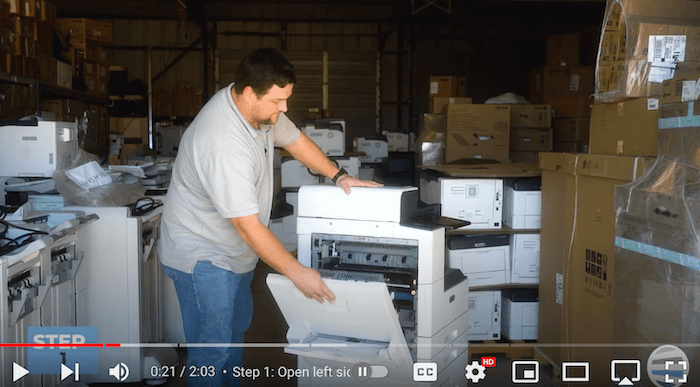
That's why Matthew, our resident print expert with years of experience, will guide you step by step through the cartridge replacement process. In this comprehensive blog, he’ll explain the procedure for the Xerox AltaLink B8090 model, ensuring you're up and running again in no time.