What is Color Tracking, and What are the Benefits?

Submitted by Joel Barriga on

Do you know how much your organization is spending on color prints? When was the last time that you took a look at your printing records, or your invoices? 

Printing can become a big cost for businesses that aren’t keeping up with their print volume, and especially color printing. That’s why as an experienced print vendor we recommend all businesses to utilize some form of print management or color tracking.  

What is Color Tracking? 

Color tracking refers to the process of regulating color prints and controlling the costs by using a form of print management

This feature allows users to view and manage who within their organization can print, color or black and white, how much they can print, and even when they can print. They can then set limits and conditions to control printing costs.  

Xerox WorkCentre 6515 Multifunction Printer Review (Pros, Cons, Features)

Submitted by Keith Metzler on

If you’ve found yourself on this page, it’s likely that you’re looking for the right multifunction printer for your office and came across the Xerox WorkCentre 6515. 

Here at STPT, we’re always striving to provide the best fit for businesses in search of copiers and printers. Keeping our customers informed on all of the different options available is a priority for us, as well as understanding our customers' applications and business needs.  

In order to help you decide if this multifunction printer is right for you, we’ve created an in-depth review highlighting the features, upgrades, pros, cons, and overall cost for the Xerox WorkCentre 6515. 

Note: The Xerox VersaLink C315 is the newest version of the Xerox WorkCentre 6515.

What is e-Valet?

Submitted by Joel Barriga on
Video


Managed Print Services is one of the key benefits you receive when you partner with an experienced print vendor. Tracking printing costs, auto-shipping toner, and keeping invoices organized are just some of the factors that can come with a Managed Print Services agreement, but here at STPT, we go one step further, with our comprehensive solution known as eValet.  

5 Reasons Why You Need Managed Print Services

Submitted by Joel Barriga on

Any business or organization knows the struggles of keeping printing processes running smoothly. There are an endless number of jokes about the office copier, and there’s often a stack of unorganized toner in the corner, never to be used. Luckily, there’s a way to not only keep your printing processes organized but completely managed and monitored by an experienced print vendor, instead of a member of your staff.  

If you’re familiar with the concept of Managed Print Services, but unsure if partnering with a print vendor is the right path for you, we’ve compiled a list of the Top 5 Reasons Why You Need MPS:  

Managed Print Services Defined

Submitted by Karla Metzler on

Is your office constantly finding itself without valuable printing supplies? Or worse, do you have a designated pile of jumbled toner, all from different vendors, that you have no idea what to do with? If this sounds like your business, then it’s likely that you’ll benefit from Managed Print Services.  

You may have heard about Managed Print Services before- but do you know what it really is and what it encompasses? In this article, we’ll break down exactly what it is and how it can benefit your organization and employees. 

Copier/Printer Apps: Can I Write My Own?

Submitted by Anonymous (not verified) on

 We all know that in today’s digital world, having access to the applications you need is a big deal. Whether it’s on a cell phone or a multifunction printer, apps are the go-to source for convenience. With Xerox, you can take your applications to another level- by creating your own with the Xerox Personalized Application Builder Program.   

What is the Xerox Personalized Application Builder Program? 

The Xerox Personalized Application Builder Program is designed to allow you to work with a Xerox Partner or Xerox directly, in order to have a custom application built for you.  

Most of the time these applications are designed to bridge different cloud systems to your Xerox device. However, there are some unique applications that have only come around due to individuals having the ability to create their own.  

Two Important Documents to Look Over Before Your Installation

Submitted by Joel Barriga on
Video

Congratulations on your new machine! 

If you’ve recently purchased a new device, then it’s likely that you’re preparing for an installation and delivery. There are two important forms that need your attention before the date of your installation, and this article will cover them both and why they’re important. The first is a Customer Requirments Input Form, which needs to be filled out and submitted back to your business consultant. The second is the Customer Expectation and Installation Guide, which will provide you with all the information you need to prepare for your new device.  

4 Reasons to Keep Your Contact Information Updated

Submitted by Keith Metzler on

 While inaccurate contact information may seem like a minor inconvenience, it can actually open up a world of problems, because proper communication is key to a successful vendor/customer relationship. You deserve to be as informed as possible on your account, and without having the correct contact information on file, it makes it difficult for us to reach you with important information. We’ve compiled a list of the four biggest reasons to keep your contact information updated, and how doing so can help your business run smoothly and efficiently.  


What Contact Information Do We Need? 

There are three main points of contact that we need in order to relay important information: 

How to Work From Home Securely and Efficiently

Submitted by Joel Barriga on

In a world where working remotely has become the new norm and doesn’t seem to be disappearing anytime soon, it’s important to adapt alongside the challenges that arise from an entirely new approach to working. Things like not having the right tools for your business needs, communication/coordination challenges, and even network cybersecurity threats, are directly detrimental to the wellbeing of an employee and an organization as a whole. In this article, you’ll find out about the different available options that make working from home just as efficient and secure as being in the office.  

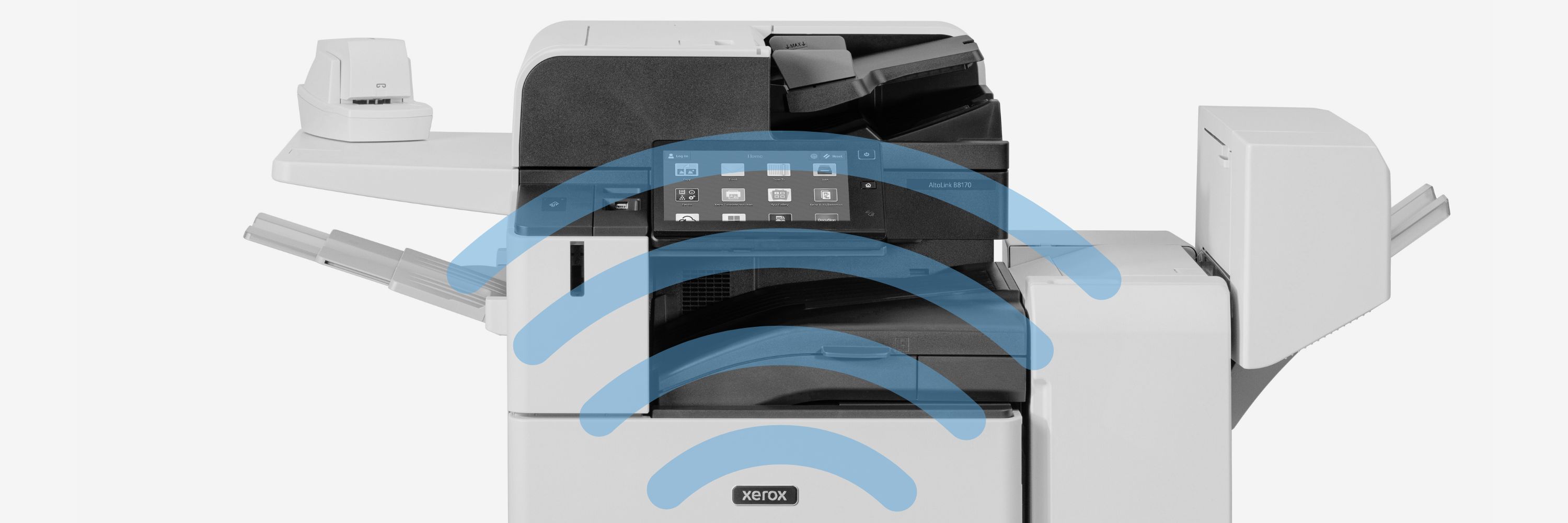
5 New Features for the Xerox AltaLink B8100 and C8100 Series

Submitted by Anonymous (not verified) on

Keeping up with new model releases and upgrades can be difficult, especially when it comes to something like copiers and printers. But just like cell phones and laptops, new releases mean new features, designed to make your life simpler and your work more efficient. Luckily, we’ve rounded up the top 5 new features of the Xerox AltaLink B8100 and C8100 series rollout.  

Subscribe to