6 Ways Xerox is Helping to Combat Climate Change

Submitted by Joel Barriga on

With the world around us constantly changing, and climate change becoming increasingly relevant, Xerox has enacted several different methods towards becoming more sustainable. Through its six main initiatives, several awards and certificates, and commitments and recycling programs, it’s clear Xerox is leading the industry when it comes to sustainability and becoming environmentally friendly. 

The Six Initiatives

Xerox has prioritized sustainability by enacting six specific initiatives:  

  1. Carbon Footprint: Xerox is lowering the carbon footprint of its equipment to meet ENERGY STAR requirements and reduce its greenhouse emissions. 

  2. Paper: Xerox has designed its paper use, recycled paper, and eco-responsible paper offerings to preserve forests and the environment. 
How to Optimize Your Copier/Printer Fleet for Larger Businesses

Submitted by Mary Shamburger on

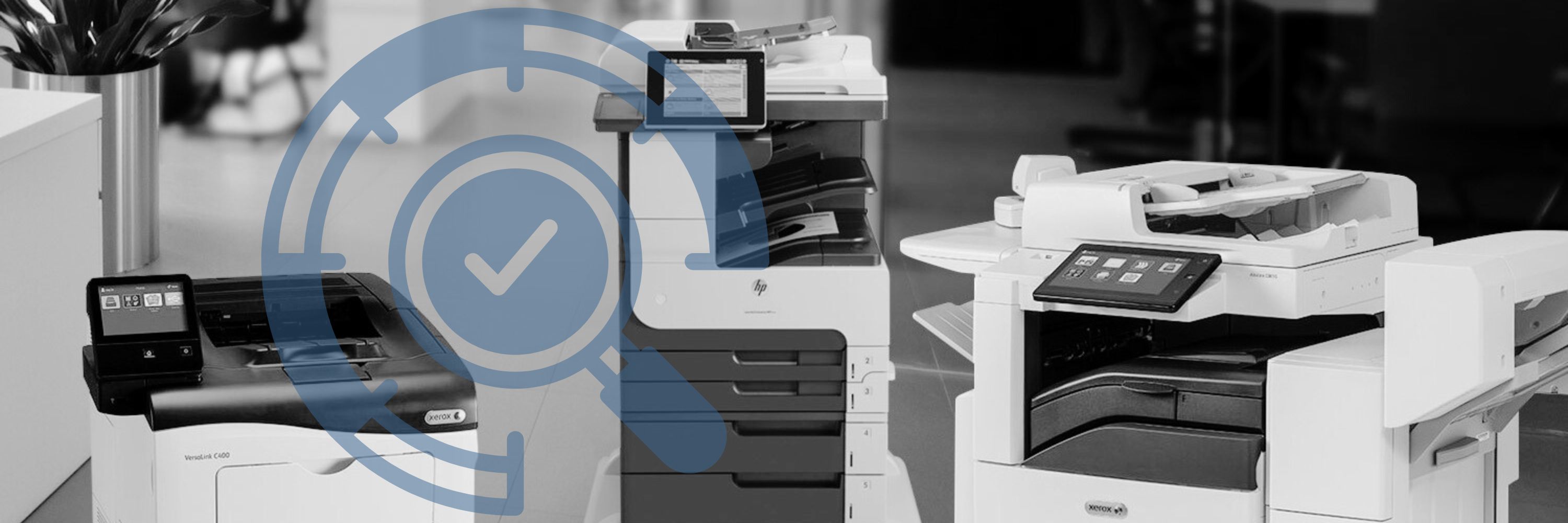
Having a large business or workforce can be a pain when it comes to managing several printing devices across a large area.  Most people are unsure of the best way to optimize their fleet so that all their devices can work together cohesively, saving them time and money. We here at Strategic Technology Partners of Texas, as an authorized Xerox partner, have a lot of knowledge when it comes to organizing and managing a large printer fleet, that we know will ensure maximum efficiency for you and your organization. 

What is a Large Copier/Printer Fleet?

A large copier/printer fleet is described as any fleet containing more than 15 machines. Copier/Printer fleets can span across a large building, or several buildings in a large area.  

How Do I Optimize My Fleet for My Business?

In order to optimize your fleet, you first need to consider the following things: 

How Do I Print in Metallics and Fluorescents? (What is CMYK+?)

Submitted by Wesley Bowen on

When printing promotional material for your business, it can be difficult to stand out from the crowd. We all see hundreds of advertisements a day, and our eyes get used to the colors and textures of different visuals.  

One way to elevate your business is by printing in CMYK+. As experienced copier/printer vendors, we know that many customers can be intimidated by a production style machine, or didn’t even think about printing in metallics and fluorescent colors, but we’re here to tell you that not only is it something that can impress you, but it can impress your customers as well.  

What is CMYK+?

CMYK stands for the four colors used by printers to create images: Cyan, Magenta, Yellow, and Black. CMYK+ takes layering to a new level with a white base layer printed, followed by the color layers. This allows for colors to pop and become more vivid.  

Printer Security: Xerox's Approach, and Why it Matters

Submitted by Karla Metzler on

Have you ever thought about all the different ways you’re exposing your company to cybercrime or data hacks? Did you think that these could occur through your copier/printer? 

No one can understate the importance of security in times like these, and especially with many employees still working from home. That’s why we, as experienced Xerox copier/printer vendors, have compiled this blog showcasing the many different ways that Xerox leads the industry in printer security, and why you can have peace of mind when printing to a Xerox device.  

Benefits of Investing in a Maintenance Plan for Your Multifunction Printer

Submitted by Blair Davilla on

We all know that sometimes things go wrong. Plans change, calls drop, milk spills, and sometimes, copiers break. When copiers/printers malfunction, this can cause a huge halt in business processes and can leave your office struggling to function. 

Luckily, we have a team of specialized service technicians available to assist you with any mishap, and even better, we have a brand-new way of requesting services for your device.   

How Do I Request a Service?

For customers with a maintenance plan, requesting a service call is as easy as visiting our website and clicking on the Request a Service page. Enter some basic information in order for us to find your device records, and then give a brief description of the problems you are experiencing.  

5 Interesting Facts About Copiers and Printers

Submitted by Karla Metzler on

Copiers and printers serve as the backbone for so many of our office processes, that oftentimes we take them for granted when we’re going about our day. But the truth is, office equipment technology has changed so much, that it’s worth noting some of the most interesting aspects of these machines. 

1. Copiers Have Evolved  

From the first commercialized invention by Xerox in 1959 which was just a simple photocopier, to a complete workplace assistant today, copiers have evolved tremendously in the past 60 years. There are now personal copiers for desktops, large copiers for offices, and even production-style machines for print shops.  

Proposal Explained: What You See and What it Means

Submitted by Karla Metzler on
Video

When dealing with contracts and different business initiatives, it’s likely that you will encounter a proposal. Here at STPT, our proposals that we send to customers have several key factors that we find important to highlight and understand. 

What is a Proposal? 

A proposal is an offer from a company that provides you details of the product or service you are looking to acquire. Proposals should be provided to potential buyers after a consultative meeting with a sales representative that has an in-depth knowledge of the product or service they represent. Proposals can be accepted by the potential buyer, or negotiation processes can begin in order to better match the buyer’s needs. 

Different Factors That Go into a Proposal

While proposals have several different components, there are three main factors that should always be present.  

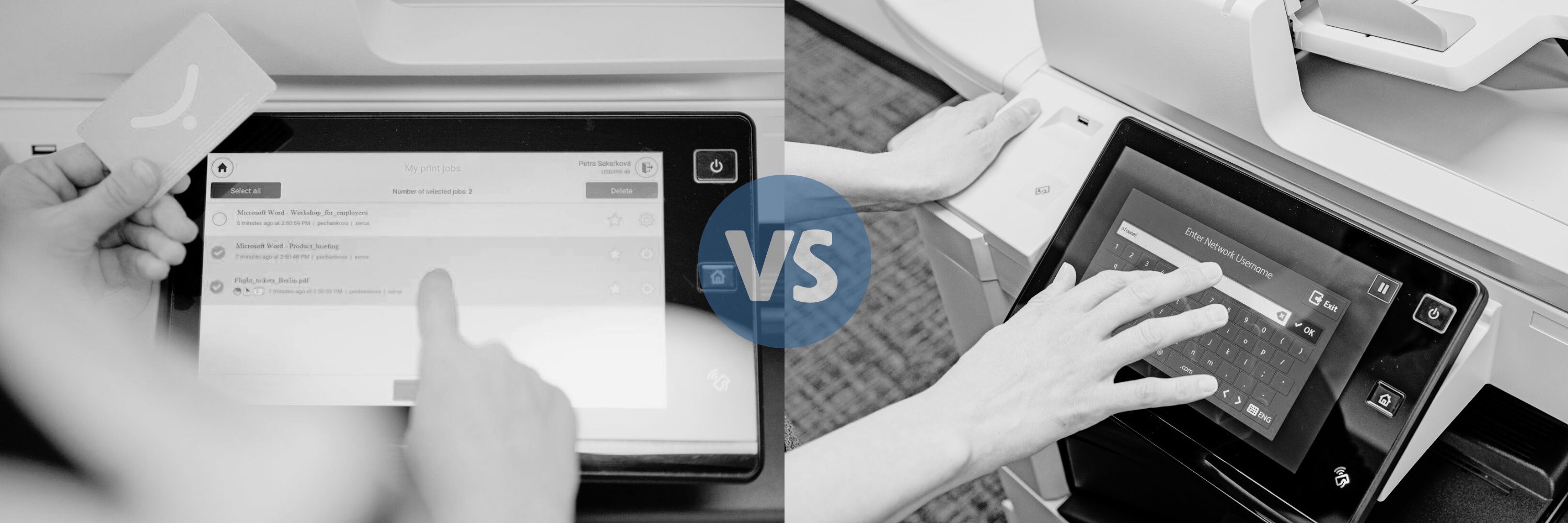
Y-Soft SafeQ Print Management vs. Xerox Standard Accounting

Submitted by Karla Metzler on

These days, businesses are always looking for different ways to cut costs and maximize their office productivity. With so many different options out there, it’s important to understand the ins and outs of each one and to decide which is better suited for your needs. Y-Soft SafeQ  Print Management Suite and Xerox Standard Accounting are two great options, but they each have their own key points worth highlighting.  

Xerox Color Tracking or Y-Soft SafeQ Print Management- What's Right for You?

Submitted by Karla Metzler on
Video

Wanting to save money is one thing that a lot of us have in common. If you’ve noticed that your company has been spending quite a bit on color impressions, and you’re looking through the different methods available to you for tracking and controlling your color usage, then Xerox Color Tracking and Y-Soft SafeQ Print Management are probably some features you’ll be interested in.

Here we’ll break down the key features of each one, list the pros and cons, and help you decide which might be better suited for your company’s needs.  

Xerox Color Tracking

Xerox Color Tracking is one part of a standard feature referred to as Xerox Standard Accounting, that is automatically included when purchasing a Xerox device. It offers several ways for users to track or limit the use of color on their Xerox machines.  

6 Reasons Why Your Copier/Printer Technology Should Be the Same Brand

Submitted by Karla Metzler on

Picture this: You have one phone number for your copier, one for your print management, and a completely different one for your service technician. Even worse, they all belong to different brands, creating confusion for you and your staff.   

Additionally, budgeting each month for all these different brands has been a nightmare, to say the least.  

If you had the same copier/printer technology, it’s more likely that you wouldn’t be experiencing these issues. Numerous phone numbers and messy budgeting aren’t the only reasons that we recommend keeping your brands consistent. Here are the top 6 reasons why you should stick to the same brand when it comes to your copier/printer technology.  

Subscribe to